Decommissioning Servers and Network Equipment: Data, Licences and Residual Value
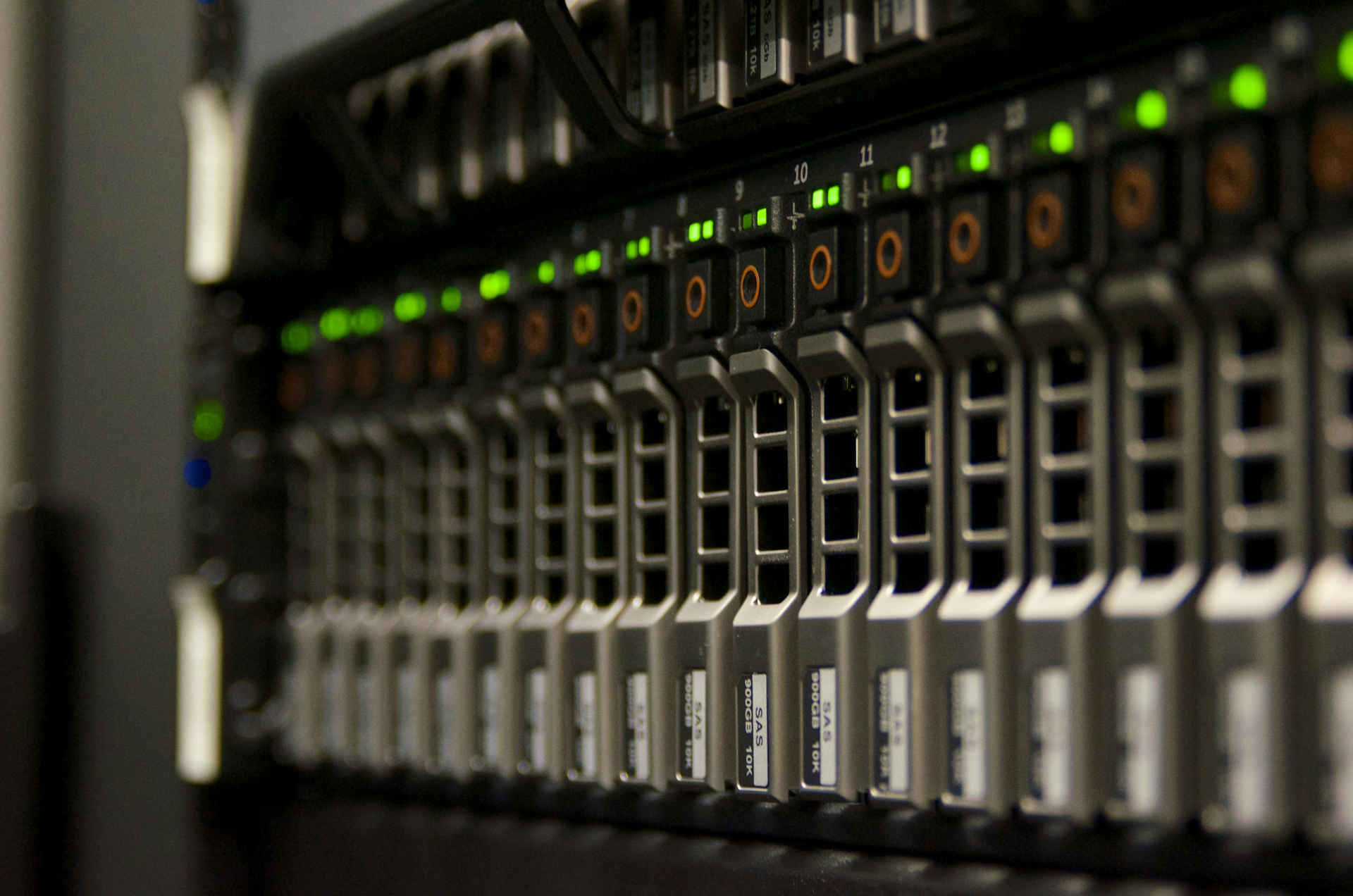
Almost every organisation has one of these racks. The servers migrated to cloud two years ago, the switches were replaced during the last office refit. The old equipment sits powered down, collecting dust, still carried on the asset register at minimal or zero value.
Nobody touches it for three reasons:
it is unclear what value it still holds;
it is unclear what data it may still contain;
it is unclear who will organise the de-racking, removal and downstream processing.
This is what makes server and network decommissioning different from a standard laptop or desktop refresh.
This article is written for the person who has to organise the process, usually a systems administrator, IT manager or IT asset owner.
Why servers are not laptops
With laptops the question is relatively simple. You remove the drive, sanitise it with certified software and receive a certificate. With servers and network equipment there are several material differences.
Data is not confined to the drive bays.
A single server chassis may contain several separate locations where information is stored, and some of them are not directly visible to the operating system.
Alongside the standard HDD, SSD or NVMe devices, a chassis may hold internal M.2 modules, marketed by Dell as BOSS and by HPE as NS204i, SD cards, USB media and other components used for the operating system, hypervisor, configuration or recovery functions.
Checking only the front-facing drive bays is therefore not always sufficient.
Value is not only in the chassis.
The enclosure itself often represents a small fraction of the system’s residual value.
Value may sit in:
the processors;
the memory modules;
the HDD, SSD and NVMe devices;
other expansion modules.
Handing over working or partially working equipment as scrap can therefore mean losing recoverable market value.
Some of the preparation can only be done by the owner.
On certain systems there are actions no external ITAD provider can perform on the client’s behalf.
These most commonly relate to releasing devices from cloud accounts, licence management and providing the necessary administrative access.
Three things that are almost always missed
1. Network equipment retains everything
The fact that a switch, router or firewall has no conventional hard drive does not mean it holds no data.
Configuration data is typically stored in onboard memory and may include:
VLAN configuration;
network addressing;
routing and firewall rules;
VPN configuration;
certificates and cryptographic keys;
SNMP settings;
local user accounts;
RADIUS settings;
monitoring and syslog server addresses.
From the configuration of a single network device it is in some cases possible to reconstruct a significant part of the internal logic and topology of a corporate network.
A standard factory reset should therefore not automatically be treated as a sufficient procedure for secure decommissioning. On some platforms, for example, the VLAN database is held in a separate file that survives the clearing of the main configuration, and cryptographic keys require a separate action.
The applicable procedure depends on the manufacturer, the model and the configuration in use.
2. Hidden storage inside the server
The front drive bays are only the starting point.
Depending on model and configuration, a server may also contain:
• internal M.2 modules;
• SD cards used for the hypervisor, frequently mounted as a mirrored pair;
• internal USB media;
• RAID cache modules;
• NVDIMM memory;
• TPM components associated with cryptographic keys;
• tape drives with a cartridge still loaded.
The correct approach is for each chassis type to be physically inspected before assuming that every component capable of carrying data has been identified.
What the operating system reports is not always the complete list of media present in the system.
3. Licences only you can release
This is one of the most frequently underestimated aspects of retiring network equipment.
Many current devices are tied to a cloud account or a centralised management system. Examples include:
• Cisco Meraki;
• FortiCare;
• Aruba Central;
• UniFi;
• Cisco Smart Licensing.
Before the device leaves the organisation, check whether it needs to be removed or released from the relevant account.
If this is missed, the consequences can be severe. With Cisco Meraki, for example, a device that has not been removed from the dashboard organisation cannot be claimed by the next owner. It remains physically functional but commercially worthless.
On the other platforms the effect is usually milder, but it still reduces residual value.
At the same time, some licences can increase the value of the hardware itself. Examples include certain management licences such as:
• Dell iDRAC Enterprise;
• HPE iLO Advanced.
When preparing equipment, care should be taken not to remove or lose these licences unnecessarily.
Separately, the terms applying to Windows Server, VMware, Red Hat and other software products can differ substantially according to the licence type and the specific agreement.
What to prepare in advance
For a typical server rack, a few hours of preparation can save considerable time later and affect both data security and the residual value of the equipment.
1. Asset inventory
Prepare a list containing:
• device type;
• manufacturer;
• model;
• serial number;
• asset tag, if used;
• basic configuration.
If you have an export from your asset management system, that is usually the best starting point.
2. Credentials
Where possible, prepare the required administrative credentials for:
• iDRAC;
• iLO;
• IPMI;
• switches;
• routers;
• firewalls.
If access is no longer available, inform the ITAD provider in advance, as this may change the processing method.
3. Release from cloud accounts
Check in advance whether devices need to be removed from systems such as:
• Meraki;
• FortiCare;
• Aruba Central;
• UniFi;
• Cisco Smart Licensing.
The right moment to do this is before the equipment leaves the building. Once it has physically left, it can prove difficult to locate the employee holding the necessary access rights.
4. Check for forgotten media
If you have several identical servers, inspect at least one chassis of each model. Look for:
• M.2 cards;
• SD cards;
• USB flash drives.
This establishes the true scope of data-bearing media before the project starts.
5. Site access
For larger projects the following should be confirmed in advance:
• floor;
• availability of a goods lift;
• access to the server room;
• entry and exit restrictions;
• permitted working hours;
• whether de-racking is required;
• loading arrangements.
With server equipment, logistics is often a substantial part of the ITAD project itself. A populated rack weighs between 400 and 800 kilograms and does not normally leave through the main entrance during business hours.
6. Documentation requirements
Establish at the outset what your internal or external audit will require. For example:
• asset inventory by serial number;
• data erasure certificates;
• certificates of destruction;
• recycling documentation.
Good reporting is planned at the start of a project, not assembled after it closes.
What we handle
Where required, ITAD Bulgaria can organise the entire decommissioning process for server and network equipment, from de-racking and removal through transport, processing and final treatment of the assets.
Secure data erasure is performed using Certus Erasure Software in accordance with NIST SP 800-88 Rev. 1, with individual certificates available for successfully processed media.
Media that cannot be sanitised in software, whether because of a technical defect or another limitation, can be routed for physical destruction through a licensed partner and recorded in the accompanying documentation.
Depending on the project, the client may receive:
• an asset inventory by serial number;
• a report on the processed assets;
• data erasure certificates;
• certificates of destruction and recycling;
• information on the final treatment of the assets.
Where the equipment carries residual market value, this can be reflected in the project through buyback or offset against the value of the services provided.
Start with an assessment
If your server room or storage holds equipment that is no longer in use, the first step is establishing what is there and what it is worth.
Contact us for an on-site assessment - info@itad.bg or +359 87 893 8326.
You can also start with our questionnaire, or read more about server buyback and replacement.